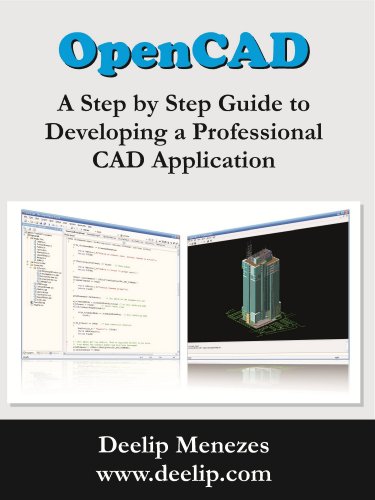


OpenCAD - A Step by Step Guide to Developing a Professional CAD Application
Book Details
Author(s)
Deelip Menezes
Publisher
Deelip Menezes
ISBN / ASIN
B0078AMPT4
ISBN-13
978B0078AMPT1
Sales Rank
#1,218,561
Marketplace
United States 🇺🇸
Ratings & Reviews
No reviews yet — be the first!
No reviews yet.
Description
The book is written as a short story describing the evolution of a CAD application called OpenCAD. The reader starts with an empty Visual C++ project. In each chapter, the reader adds features to OpenCAD, first making it a DWG reader, then a viewer and finally an editor. Finally the reader ends up with a professional CAD application complete with an AutoCAD-like command prompt and plug-in architecture, thereby giving it the ability to be extended by means of DRX plug-ins.
The book is divided into two sections. Section 1 deals with creating the basic OpenCAD application, wiring it up with ODA libraries and adding features to make it a full blown professional 3D DWG viewer. Section 2 deals with adding a command prompt, plug-in architecture and developing a DRX plug-in that converts it into a DWG editor. The book can also be used as a primer for developing DRX plug-ins since the plug-ins developed for OpenCAD also work with any DWGdirect hosted application such as Bricscad V9.
Book Highlights:
Start with an empty MFC Document View MDI workspace and create a professional CAD application using the DWGdirect SDK
Read and write DWG and DXF files
Add 3D navigation features - 3D orbit, pan, zoom and zoom window
Add plug-in architecture
Develop DRX plug-ins using the free DRX SDK that load and run in any DWGdirect hosted application
Design and implement an AutoCAD-like command prompt
Complete C++ source code with comments and organized by chapter
Step by step explanation of program logic, class variables and methods
Detailed figures showing each and every step
The book is divided into two sections. Section 1 deals with creating the basic OpenCAD application, wiring it up with ODA libraries and adding features to make it a full blown professional 3D DWG viewer. Section 2 deals with adding a command prompt, plug-in architecture and developing a DRX plug-in that converts it into a DWG editor. The book can also be used as a primer for developing DRX plug-ins since the plug-ins developed for OpenCAD also work with any DWGdirect hosted application such as Bricscad V9.
Book Highlights:
Start with an empty MFC Document View MDI workspace and create a professional CAD application using the DWGdirect SDK
Read and write DWG and DXF files
Add 3D navigation features - 3D orbit, pan, zoom and zoom window
Add plug-in architecture
Develop DRX plug-ins using the free DRX SDK that load and run in any DWGdirect hosted application
Design and implement an AutoCAD-like command prompt
Complete C++ source code with comments and organized by chapter
Step by step explanation of program logic, class variables and methods
Detailed figures showing each and every step


