Search Books

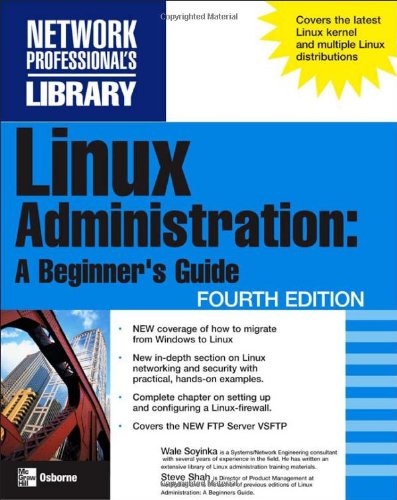
Linux Administration: A Beginner's Guide

Author Wale Soyinka, Steve Shah
Publisher McGraw-Hill Osborne Media
📄 Viewing lite version Full site ›
🌎 Shop on Amazon — choose country
32.35 39.99 USD
🛒 Buy New on Amazon 🇺🇸 🏷 Buy Used — $5.56

✓ Usually ships in 1-2 business days

Share:
Book Details
ISBN / ASIN0072262591
ISBN-139780072262599
AvailabilityUsually ships in 1-2 business days
Sales Rank3,665,261
MarketplaceUnited States 🇺🇸

Description

Administering a Linux system isn't much like administering a Windows machine. Though the goals are similar and comparable problems arise under both environments, they each require administrators to adopt a certain way of thinking about processes and data. Linux Administration: A Beginner's Guide helps readers adapt their Windows experience to Linux work. Author Steve Shah does a great job of clueing Linux newcomers into the environment. His explanations are clear, patient, accurate, and useful, and they cover all aspects of the system administrator's job. He's careful to explain hundreds of commands in a logical way, including lists of options and examples of typical uses in many cases.

But this is no mere command reference or novice's introduction. Shah doesn't shy away from explaining the really interesting aspects of Linux administration, including kernel compilation, Domain Name Service (DNS) configuration, sendmail setup, and establishing firewall protection with IP chaining. For all of these subjects (and many more), this book includes clear statements of what concepts are relevant, which commands to issue, and what to expect in response. It's a great help in self-guided explorations. It's also worth having this book on hand for work assignments--you'll find complete recipes for configuring all major Internet and local area network (LAN) services that also take into account easy maintenance and security. --David Wall

Topics covered: Administering Linux 2.2.x (particularly Red Hat, Caldera, and SuSE distributions). Installation, initial configuration, using the bash command shell, managing files, managing software, and granting rights to users. DNS, FTP, Apache, sendmail, Samba, and other services receive lots of attention.