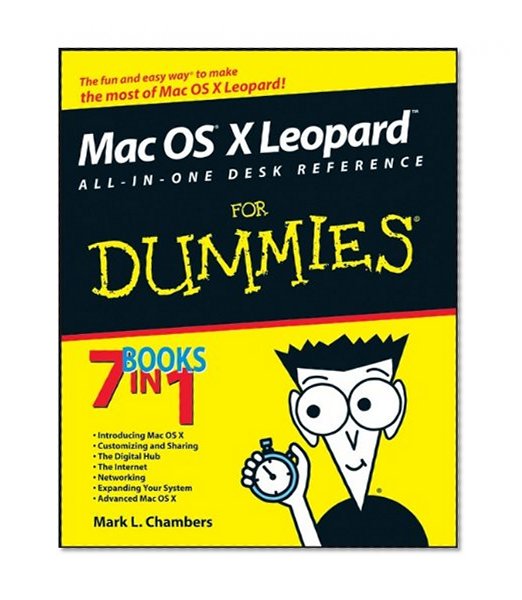
One section is devoted to the digital media you love, another to the Internet, others to networking, customizing, sharing, and expanding your Mac. There’s even a minibook for you geeky types who want to tweak the system with AppleScript. You’ll find information on:
- Locating anything with Spotlight and Sherlock
- Personalizing your desktop
- Creating movies and burning DVDs
- Jamming with iTunes and your iPod
- Making your own music with GarageBand
- Collecting, editing, and sharing photos with iPhoto
- Browsing the Web with Safari and staying safe online
- Setting up a wireless network
- Adding RAM, hard drive space, and cool extra applications
- Using AppleScript to program even more customizations
With Mac OS X Leopard All-In-One Desk Reference for Dummies, you can find what you need in a hurry and get on with the fun your Mac makes possible. It just may be the best friend a Leopard can have!