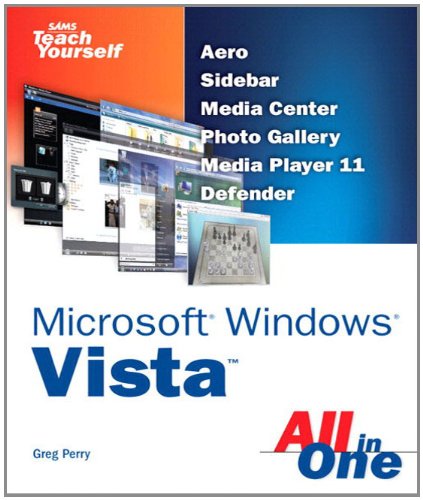
Vista is the brave new world of Microsoft Windows computing, and with it, what once was old, is new again. In just a short time, Sams Teach Yourself Windows Vista All in One will have you up and running with this new, must-have Windows operating system.
Â
Using a straightforward, step-by-step approach, each lesson builds upon a real-world foundation forged in both technology and everyday user scenarios, allowing you to learn the essentials of Windows Vista from the ground up. If you’re a pro or a newcomer to Windows, you have in your hands the book you need to make the most of Vista with the least effort possible.
Â
Step-by-step instructions carefully walk you through the most common questions, issues, and tasks, and you’ll learn the extra under-the-hood features that enable you to leverage Windows even more.
Â
Learn how to…
Â
•       Do more with Windows Vista in less time
•       Quickly start using Vista’s new user interface like a pro
•       Leverage the power of Vista’s new Aero graphics
•       Keep often-used tools and utilities handy by adding Gadgets to your new Windows Sidebar
•       Manage your digital picture library with Windows Photo Gallery
•       Utilize Vista’s Explorer windows to quickly get to data you need
•       Master Vista’s new Instant Search feature, so your files no longer get lost in the shuffle
•       Use the new Windows Media Player 11 to manage both your music and video collections
•       Automate routine Windows tasks so your computer works while you sleep
•       Improve security with Vista’s state-of-the-art Windows Defender
•       Easily optimize your disk’s files and folders and configure your home network
•       Protect your valuable data with Vista’s Backup and Restore Center
•       Surf the ’Net with tabbed browsing, manage RSS feeds, and more, using the new Internet Explorer 7
Â