The book is written as a short story describing the evolution of a CAD application called OpenCAD. The reader starts with an empty Visual C++ project. In each chapter, the reader adds features to OpenCAD, first making it a DWG reader, then a viewer and finally an editor. Finally the reader ends up with a professional CAD application complete with an AutoCAD-like command prompt and plug-in architecture, thereby giving it the ability to be extended by means of DRX plug-ins.
The book is divided into two sections. Section 1 deals with creating the basic OpenCAD application, wiring it up with ODA libraries and adding features to make it a full blown professional 3D DWG viewer. Section 2 deals with adding a command prompt, plug-in architecture and developing a DRX plug-in that converts it into a DWG editor. The book can also be used as a primer for developing DRX plug-ins since the plug-ins developed for OpenCAD also work with any DWGdirect hosted application such as Bricscad V9.
Book Highlights:
Start with an empty MFC Document View MDI workspace and create a professional CAD application using the DWGdirect SDK
Read and write DWG and DXF files
Add 3D navigation features - 3D orbit, pan, zoom and zoom window
Add plug-in architecture
Develop DRX plug-ins using the free DRX SDK that load and run in any DWGdirect hosted application
Design and implement an AutoCAD-like command prompt
Complete C++ source code with comments and organized by chapter
Step by step explanation of program logic, class variables and methods
Detailed figures showing each and every step
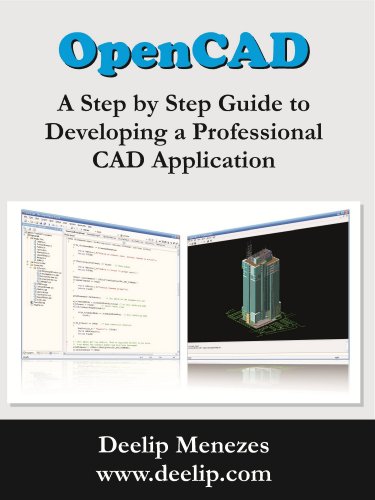
OpenCAD - A Step by Step Guide to Developing a Professional CAD Application
📄 Viewing lite version
Full site ›
Price not listed
🛒 Buy New on Amazon 🇺🇸
Book Details
Author(s)Deelip Menezes
PublisherDeelip Menezes
ISBN / ASINB0078AMPT4
ISBN-13978B0078AMPT1
Sales Rank1,218,561
MarketplaceUnited States 🇺🇸