LET YOUR FINGERS DO THE WALKING AND NOT THE MOUSE
Do you want to learn about margins, setting the ruler, formatting and aligning paragraphs, tables, graphic, columns, find and replace text, write letters and merge, draw, Excel and charts?
You may want all or just a few. Plus using Ctrl and Alt to bypass the mouse. E.g. Ctrl S = Save
Milando
Aug 16, 2015
Milando rated it 5 of 5 stars
Very thorough textbook and dictionary for computer newbies
It is more or less a computer textbook cum dictionary and quite an exhaustive one at that. Suffice it to say, if you have an obscure computer-related term that you don't understand, you can look it up here, and the book won't disappoint you. Even though it's been written keeping Windows XP crowd and kids in mind, all the things mentioned here (such as keyboard shortcuts, descriptions of computer-related terms, etc.) are very much valid even for users of newest Windows version and equally helpful to adult computer users as well! In fact you get much more than a traditional computer dictionary here, because most of the definitions are more than one-sentence long. Take for example this one: it does not just tell you what computer hardware is, but also about the different varieties of computer hardware available along with the descriptions of each:
Scroll up and get your copy
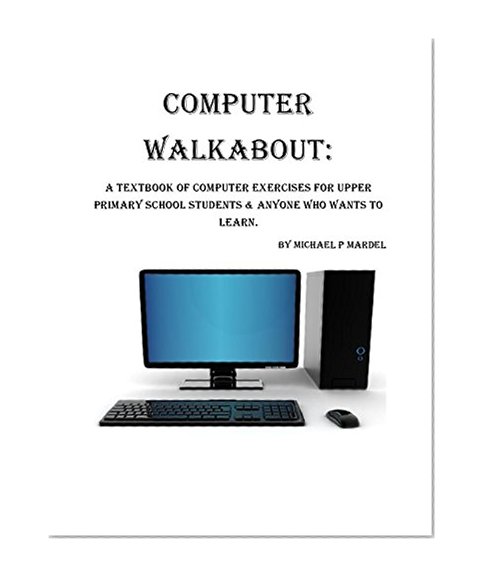
Computer Walkabout:a textbook of computer exercises for upper primary students and those who wish to learn.
📄 Viewing lite version
Full site ›
Price not listed
🛒 Buy New on Amazon 🇺🇸
Book Details
Author(s)Michael Mardel
PublisherMichael P Mardel
ISBN / ASINB013ORIBUG
ISBN-13978B013ORIBU6
Sales Rank1,928,155
MarketplaceUnited States 🇺🇸