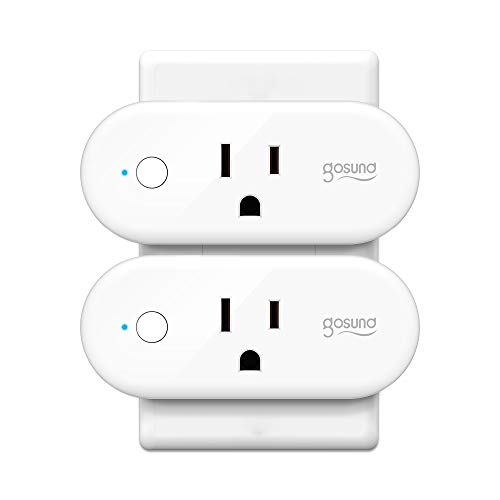
How to Connect Gosund WP6 Smart Plug
a)Search "Smart Life" on App store, Google Play or Scan the QR code on User Manual to download and install it.
b)Set up your Smart Life account
c)Plug Gosund WP6 smart plug into an AC outlet
d)Add Device>ELECTRICAL OUTLET and confirm the device in the App.
e)Connect the plug to your local Wi-Fi with your phone connecting to it.
f) Please confirm that the home Wi-Fi is 2.4 GHz, and keep the plugs closer with the router as much as possible during the first connection.
g) The indicator light is blue and flashes when connecting, after the connection is successful, the indicator turns red and lights up.
Specifications
Color:White
Rated Voltage: 125V
Rated Current: 16A(Max.)
Max Power: 2000W
Wi-Fi Frequency:2.4GHz
AC Frequency:50-60HZ
Working Temp.:-20~45℃
Working Realative Humidity: