We use cookies to run the site and, with your permission, to measure how it is used. You can accept all of them or deny the ones that are not needed. Read the cookie policy.
⭐ Ratings & Reviews
No reviews yet — be the first!
No reviews yet.
📖 Description
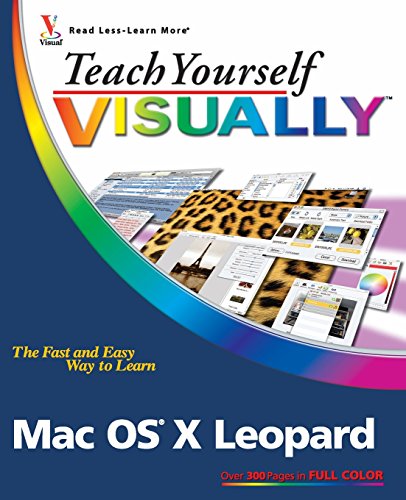
Do you prefer instructions that show you how instead of telling you why? This book is packed with easy, visual directions and full-color screen shots that show you how to tackle more than 150 tasks with Mac OS X Leopard, including adding applications to the Dock, color-coding files and folders, viewing windows in Exposé, using the QuickTime player, storing files on your iPod, creating your own Web widgets, and more. Succinct explanations walk you through step by step.






![[(Teach Yourself Visually Mac OS X Leopard )] [Author: Lynette Kent] [Oct-2007]](https://www.ebooknetworking.net/books/noimage.jpg)