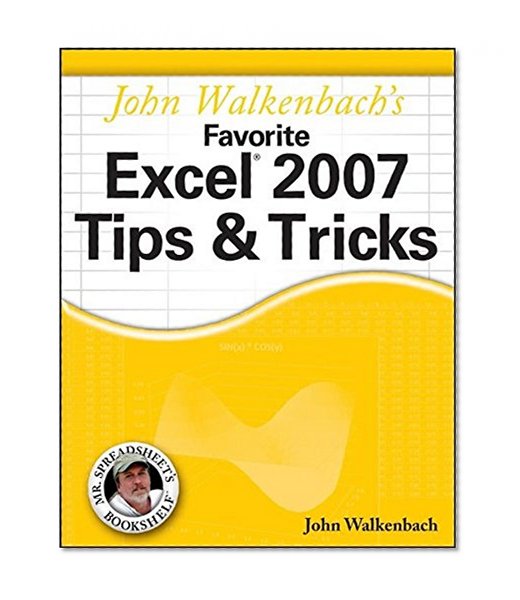
John Walkenbach's Favorite Excel 2007 Tips and Tricks Buy on Amazon
Facebook LinkedIn

John Walkenbach's Favorite Excel 2007 Tips and Tricks

Publisher Wiley
31.44 39.99 -21% USD

Usually ships in 24 hours

Book Details
Author(s) John Walkenbach
Publisher Wiley
ISBN / ASIN 0470137665
ISBN-13 9780470137666
Availability Usually ships in 24 hours
Sales Rank #964,521
Marketplace United States 🇺🇸
Ratings & Reviews No reviews yet — be the first!

No reviews yet.

Description
John Walkenbach comments on the new Excel: "I've been using Excel for over 15 years, and Excel 2007 is by far the most significant upgrade ever. For starters, we've got a new user interface, new open file formats, a larger worksheet grid, better use of memory and CPUs, new functions, and more templates. Dig a bit deeper and you'll find worksheet tables, 100 levels of undo, easier formula construction, better-looking charts, unlimited color choices, SmartArt, a handy page layout view, new conditional formatting options, new collaboration features, a very useful compatibility checker, workbook themes—and even 'skins' so you can change the look of the entire program."

John Walkenbach's Favorite Excel 2007 Tips & Tricks consists of a series of non-trivial tips and tricks that cover all aspects of Excel. Tips are improved ways of maximizing the power of Excel to create robust applications. Tricks are shortcuts that will speed up application development with Excel.

John's favorites include tips and tricks on dealing with function arguments, creating "impossible" charts, pivot tables, taming the new Ribbon, why use a UserForm, how to create add-ins in Excel 2007, absolute vs. relative references, changing data entry orientation, overcoming the 7-level nesting limit, dynamic chart data, sorting on more than three columns, entering fake data for testing purposes, custom functions, and much more.

Donate to EbookNetworking
No Prev
No Next