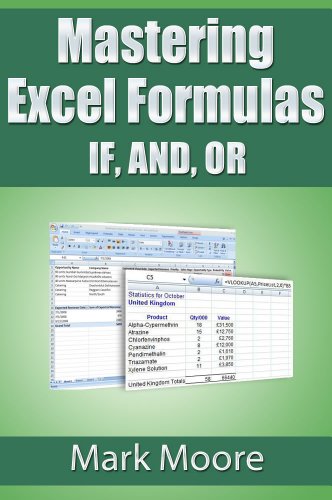


Mastering Excel Formulas IF, AND, OR
Price not available for Canada
You can still browse on Amazon. Try another country above.
Book Details
Author(s)
Mark Moore
Publisher
Mark Moore
ISBN / ASIN
B009FD7J2K
ISBN-13
978B009FD7J26
Marketplace
Canada 🇨🇦
Description
Become an Excel guru by understanding and then dominating the IF formula. This formula intimidates novice and intermediate Excel users but with a step by step approach and hands on examples, you can easily master this monster. Additionally, the lesson then goes on to cover two other complementary formulas: AND, OR that can be used with IF to handle complex logic.
This lesson is written in a step by step, easy to understand manner. This lesson, like all other lessons in the series, comes with a follow along workbook where you can practice what you read.
Updated version
This lesson has been updated to cover two new Excel 2016 formulas: SWITCH and IFS. You do not need Excel 2016 for this lesson. The new section explains the new formulas but you can follow along without the 2016 version.
This lesson is written in a step by step, easy to understand manner. This lesson, like all other lessons in the series, comes with a follow along workbook where you can practice what you read.
Updated version
This lesson has been updated to cover two new Excel 2016 formulas: SWITCH and IFS. You do not need Excel 2016 for this lesson. The new section explains the new formulas but you can follow along without the 2016 version.