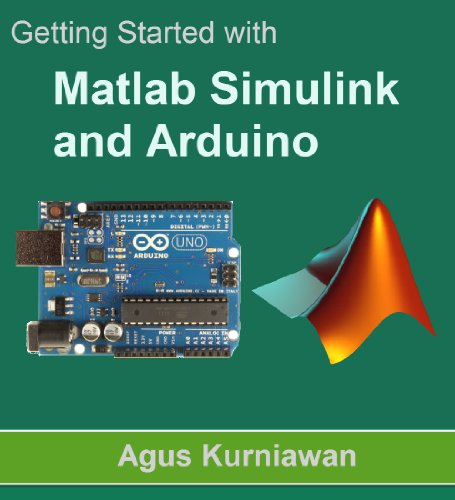
Getting Started with Matlab Simulink and Arduino Buy on Amazon
Facebook LinkedIn

Getting Started with Matlab Simulink and Arduino

Publisher PE Press
Category Kindle Edition
Price not available for France

You can still browse on Amazon. Try another country above.

Book Details
Author(s) Agus Kurniawan
Publisher PE Press
ISBN / ASIN B00F8LQSPM
ISBN-13 978B00F8LQSP8
Category Kindle Edition
Marketplace France 🇫🇷
Description
Getting started with Matlab Simulink and Arduino comprehensively explains how to use MATLAB and Simulink to perform Arduino simulation. This book begins with covering the Matlab Simulink with targeting Arduino, and the solutions to different problems in simulation.
*TOC*
1. Preparing Development Environment
1.1 Arduino
1.1.1 Arduino Uno
1.1.2 Arduino Leonardo
1.1.3 Arduino Mega 2560
1.1.4 Arduino Due
1.2 Electronic Components
1.2.1 Arduino Starter Kit
1.2.2 Fritzing
1.2.3 Cooking-Hacks: Arduino Starter Kit
1.2.4 Arduino Sidekick Basic kit
1.3 Matlab Simulink
1.4 Arduino Software
1.5 Testing
2. Matlab Simulink and Arduino
2.1 Matlab
2.2 Installing Arduino for Simulink Target
3. Hello World - Matlab Simulink and Arduino
3.1 Hello World
3.2 Creating Arduino Simulink
3.2.1 Configuring Arduino Digital Output
3.2.2 Configuring Pulse Generator
3.2.3 Configuring Scope
3.3 Configuring Arduino
3.3 Running Simulink
4. Simulink with Arduino Digital I/O
4.1 Working with Arduino Digital I/O
4.2 Digital Sources
4.3 Simulink with Arduino Digital I/O
4.3.1 Digital Input
4.3.2 Digital Output
4.3.3 Logical Operator
4.3.4 Pulse Generator
4.3.5 Configuring Hardware
4.4 Testing
5. Simulink with Arduino Analog I/O
5.1 Simulink with Arduino Analog Input
5.1.1 Reading Temperature Analog Sensor
5.1.2 Building Simulink Model
5.1.3 Executing Simulink Model
5.2 Simulink with Arduino Analog Output
5.2.1 Controlling RGB LED Color
5.2.2 Building Simulink Model
5.2.3 Executing Simulink Model
6. Simulink with Arduino Serial
6.1 Arduino Serial Communication
6.2 Configuring Arduino
6.3 Building a Simulink Model
6.3.1 Serial Transmit
6.3.2 Serial Receive
6.3.3 Counter Limited
6.3.4 Data Type Conversion
6.4 Testing
7. Simulink with Arduino and Servo Motor
7.1 Servo Motor
7.2 Building A Simulink Hardware
7.3 Building A Simulink Model with Arduino and Servo Motor
7.3.1 Standard Servo Write
7.3.2 Standard Servo Read
7.3.3 Counter Limited
7.3.4 Serial Transmit
7.4 Testing
Donate to EbookNetworking
Previous Book Anu, The Annunaki, and Othe... Next Book Programming Collective Inte...
Previous Anu, The Annunaki...
Next Programming Colle...