We use cookies to run the site and, with your permission, to measure how it is used. You can accept all of them or deny the ones that are not needed. Read the cookie policy.
⭐ Ratings & Reviews
No reviews yet — be the first!
No reviews yet.
📖 Description
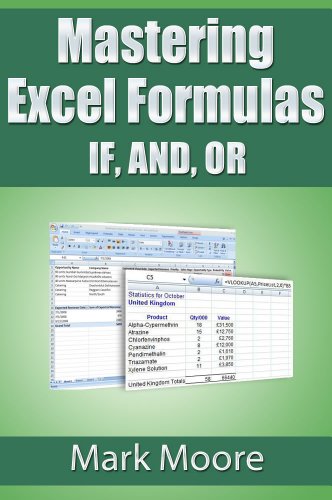
Become an Excel guru by understanding and then dominating the IF formula. This formula intimidates novice and intermediate Excel users but with a step by step approach and hands on examples, you can easily master this monster. Additionally, the lesson then goes on to cover two other complementary formulas: AND, OR that can be used with IF to handle complex logic.
This lesson is written in a step by step, easy to understand manner. This lesson, like all other lessons in the series, comes with a follow along workbook where you can practice what you read.
Updated version This lesson has been updated to cover two new Excel 2016 formulas: SWITCH and IFS. You do not need Excel 2016 for this lesson. The new section explains the new formulas but you can follow along without the 2016 version.