We use cookies to run the site and, with your permission, to measure how it is used. You can accept all of them or deny the ones that are not needed. Read the cookie policy.
⭐ Ratings & Reviews
No reviews yet — be the first!
No reviews yet.
📖 Description
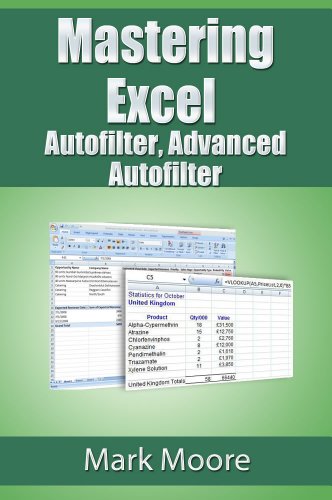
Suppose you have a spreadsheet with sales data, 10,000 rows of sales data. You need to quickly find out all the rows from certain salespeople, for a particular region that were under $1,000. Are you going to spend 45 minutes searching and asking for help while getting stressed out?!
No need to go through all of that. Excel's Autofilter and Advanced Autofilter functions will help even the most basic Excel user answer these types of questions easily. No programming, no math, no complicated technical talk.
Just plain English language with step-by-step instructions, pictures and tips to make Excel do most of the hard work while you take the credit.